Postfolio Lab: what Instagram really does to your photos
We posted six pixel-exact test charts to Instagram and measured the screenshots. A mixed carousel shows every format in full, and the first slide sets the frame height. The profile grid cuts everything to 3:4: a 4:5 post loses 39 px on each side, a square loses 136 px, and a 16:9 photo keeps only 42 % of its width.
Your photo on Instagram
Pick a format, or load one of your own photos. Your photo stays on your device: nothing is uploaded.
4:5 · Profile grid: 39 px missing on each side, 93 % of the width stays visible.
Formats with the red tag are measured values. Your own photo is calculated from the measured tile shape (391 × 521 px on screen, ratio 0.75).
Results
Device: iPhone 15 Pro · iOS 27.2.1 · Instagram 454.1.0.41.71 · dark mode · 16 November 2026. Other devices and app versions can differ.
Mixed carousel: nothing is cropped measured
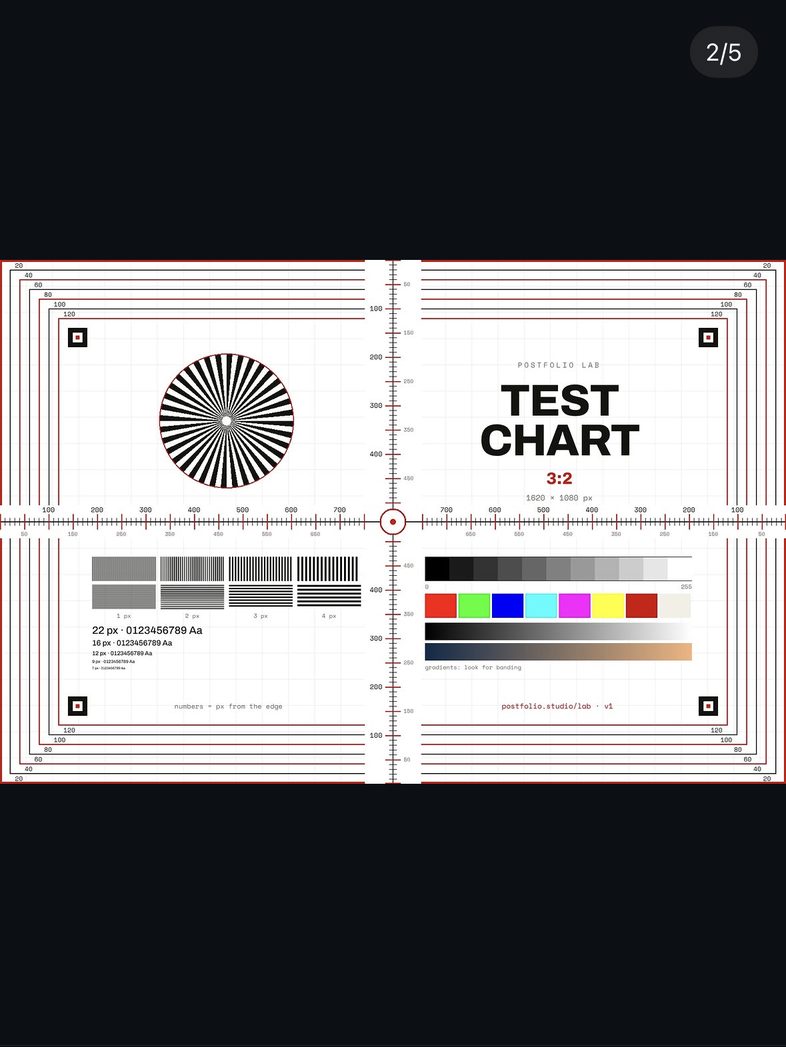
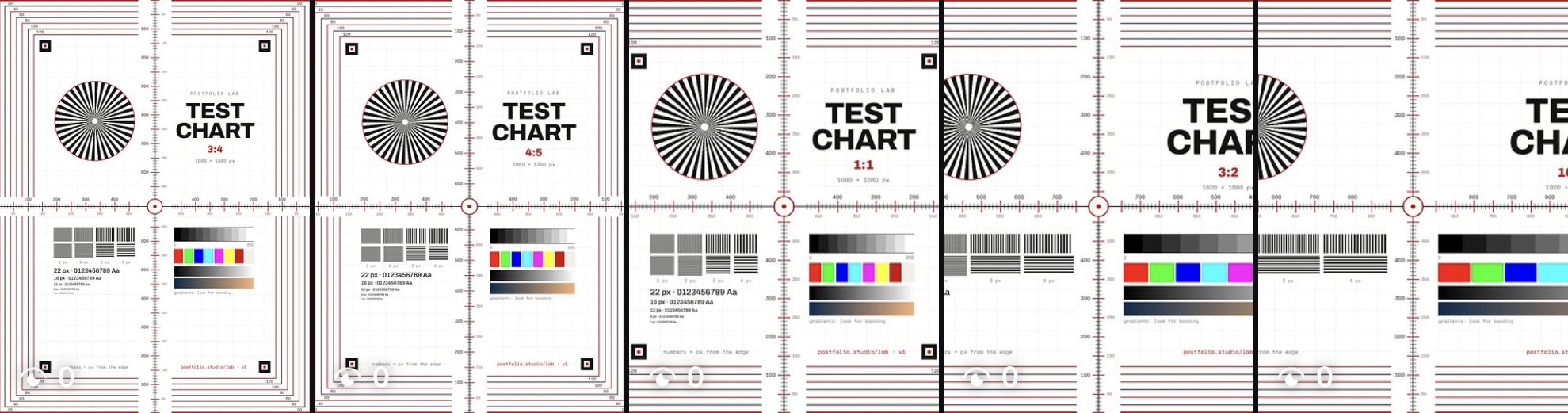
One carousel with five slides in this order: 3:4, 3:2, 16:9, 4:5, 1:1. Every slide was shown in full and without distortion. The first slide sets the height of the frame. Lower slides get bars above and below; in dark mode the bars are dark.
| Slide | File | Shown | Bars above and below |
|---|---|---|---|
| 1 · 3:4 | 1080 × 1440 | in full | none |
| 2 · 3:2 | 1620 × 1080 | in full | 25 % of the frame each |
| 3 · 16:9 | 1920 × 1080 | in full | 29 % each |
| 4 · 4:5 | 1080 × 1350 | in full | 3 % each |
| 5 · 1:1 | 1080 × 1080 | in full | 12 % each |
The full write-up: Portrait and landscape in one carousel.
Profile grid: everything becomes 3:4 measured
The grid tile measured 391 × 521 px on screen, which is 3:4. Instagram cuts the same amount from the left and the right; the middle stays.
| Format | File | Missing on each side | Width that stays visible |
|---|---|---|---|
| 3:4 | 1080 × 1440 | 1–5 px | 99 % |
| 4:5 | 1080 × 1350 | 39 px | 93 % |
| 1:1 | 1080 × 1080 | 136 px | 75 % |
| 3:2 | 1620 × 1080 | about 406 px | 50 % |
| 16:9 | 1920 × 1080 | about 556 px | 42 % |
What this means: design for 3:4 (1080 × 1440) and the tile shows your post almost exactly. With 4:5, keep text and faces 40 px away from the left and right edge.
Story 9:16: where Instagram covers your image measured
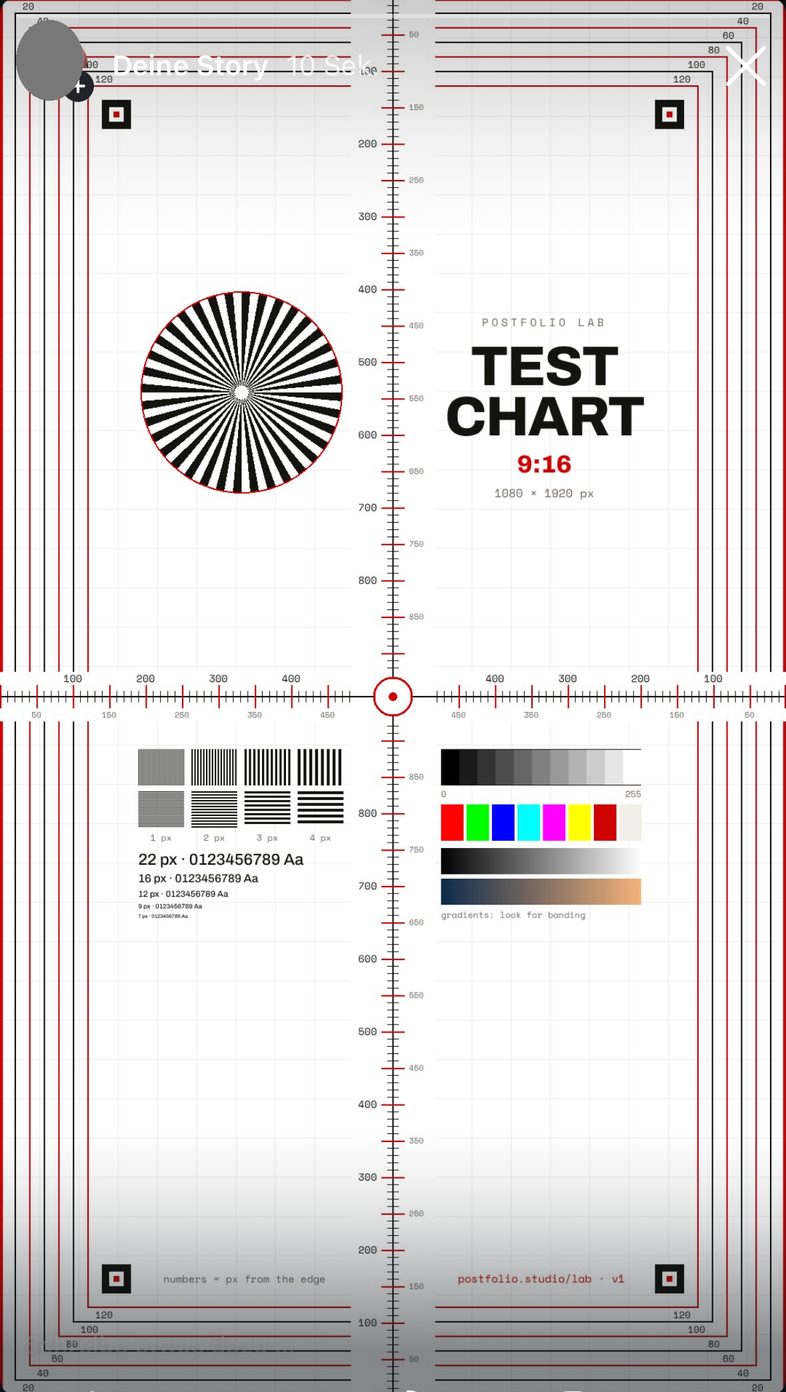
Measured in the owner's view (your own story). The image is shown almost in full: 1080 × 1913 of 1920 px. Instagram puts its controls on the top 145 px and darkens the image from the top down to about 290 px and across the bottom 346 px.
- Top 145 px: profile picture, name and close button.
- Top 290 px: darkened, text loses contrast here.
- Bottom 346 px: darkened.
- Safe area in our test: from 290 px below the top to 350 px above the bottom.
Not measured yet: the view of your followers. They see a reply field, so the zones can be different.
 290 px145 px346 px
The test charts: free to download
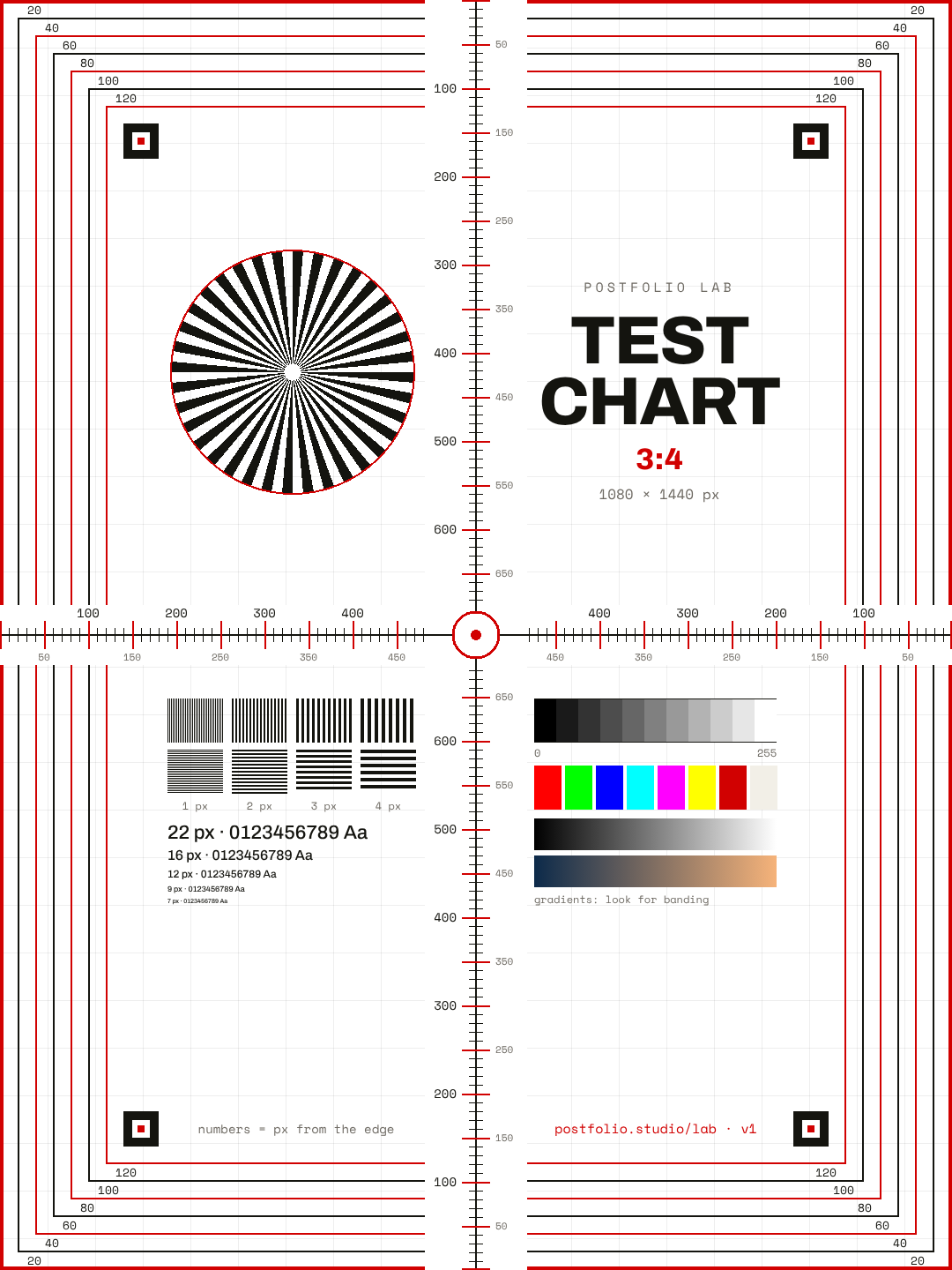
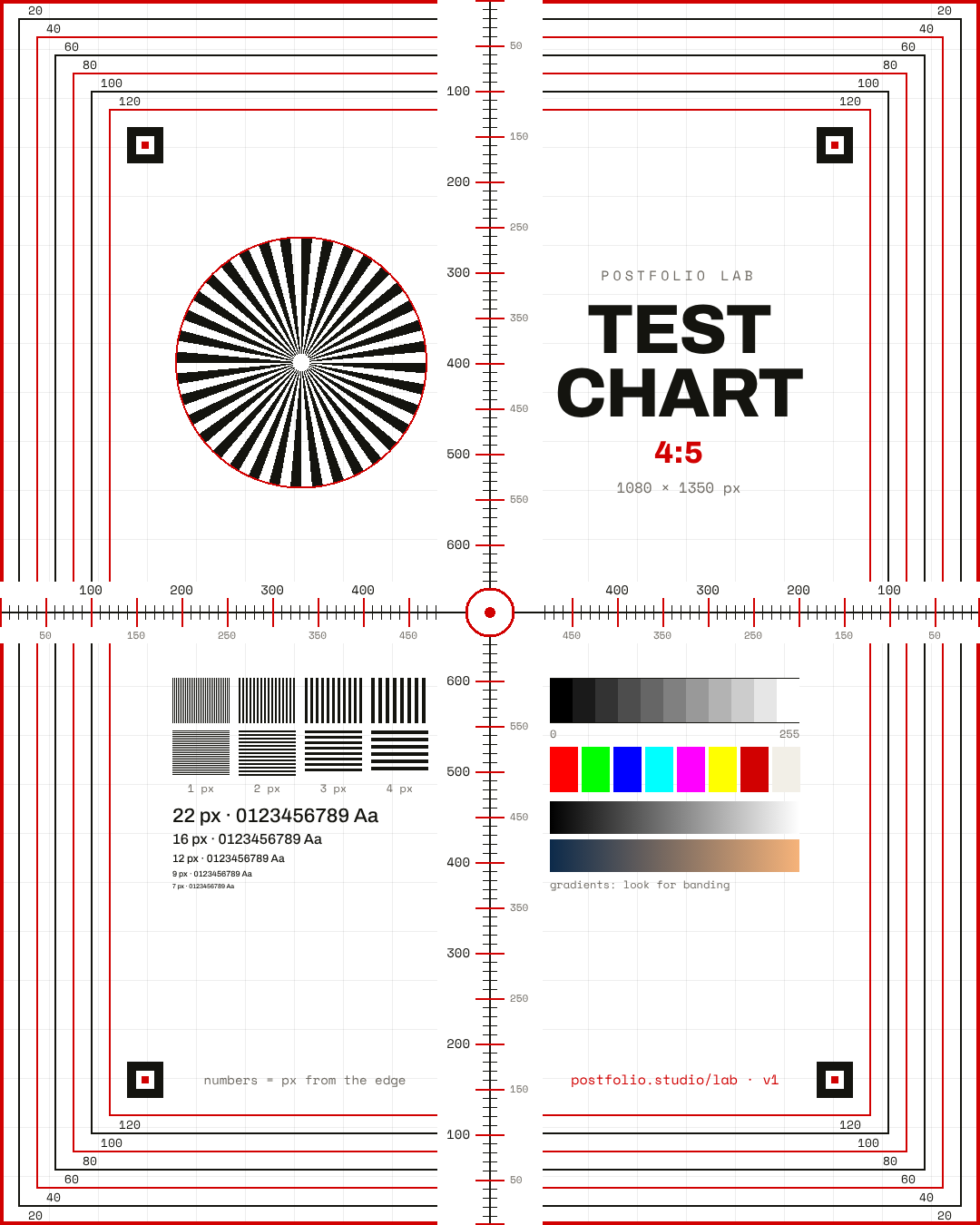
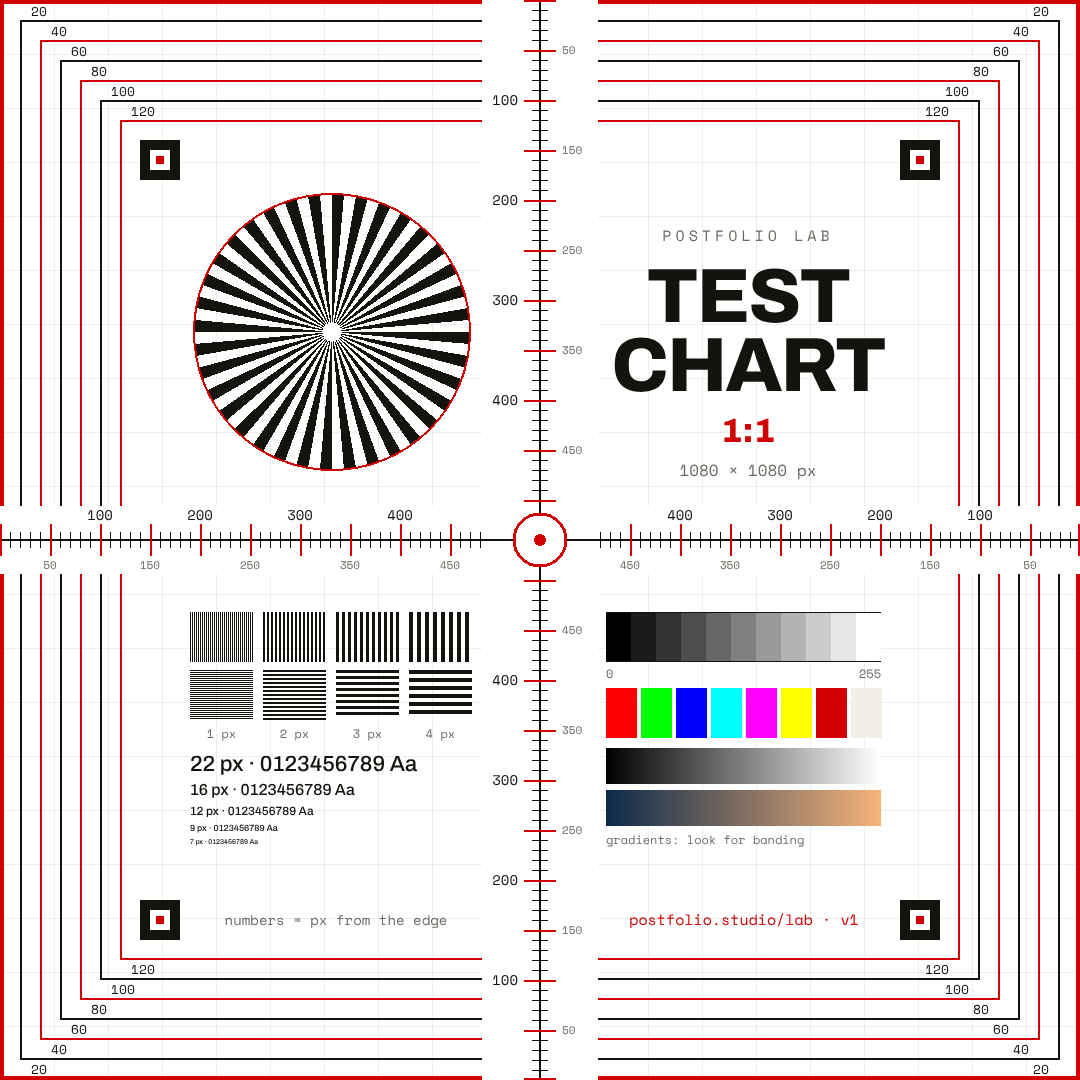
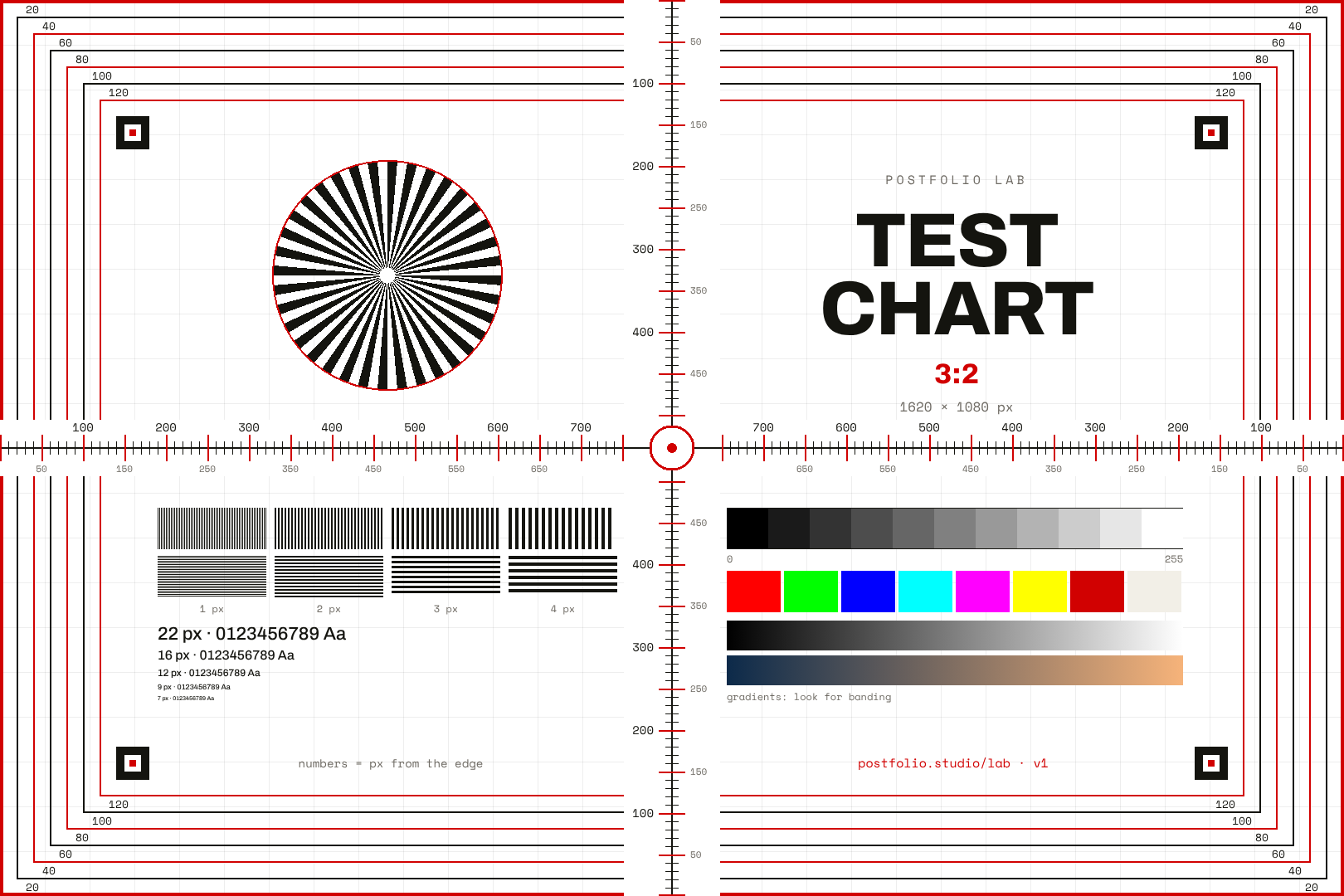
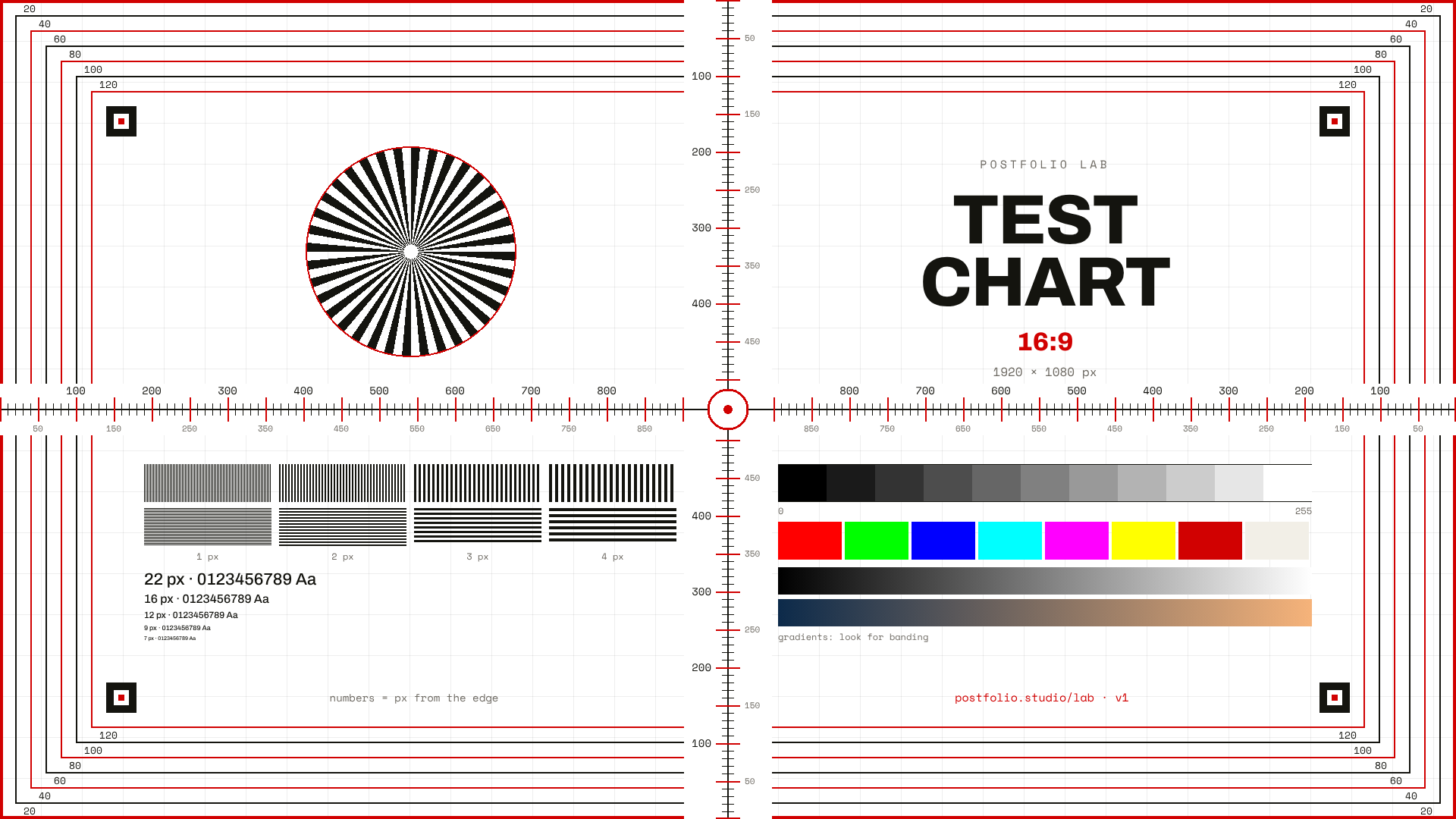
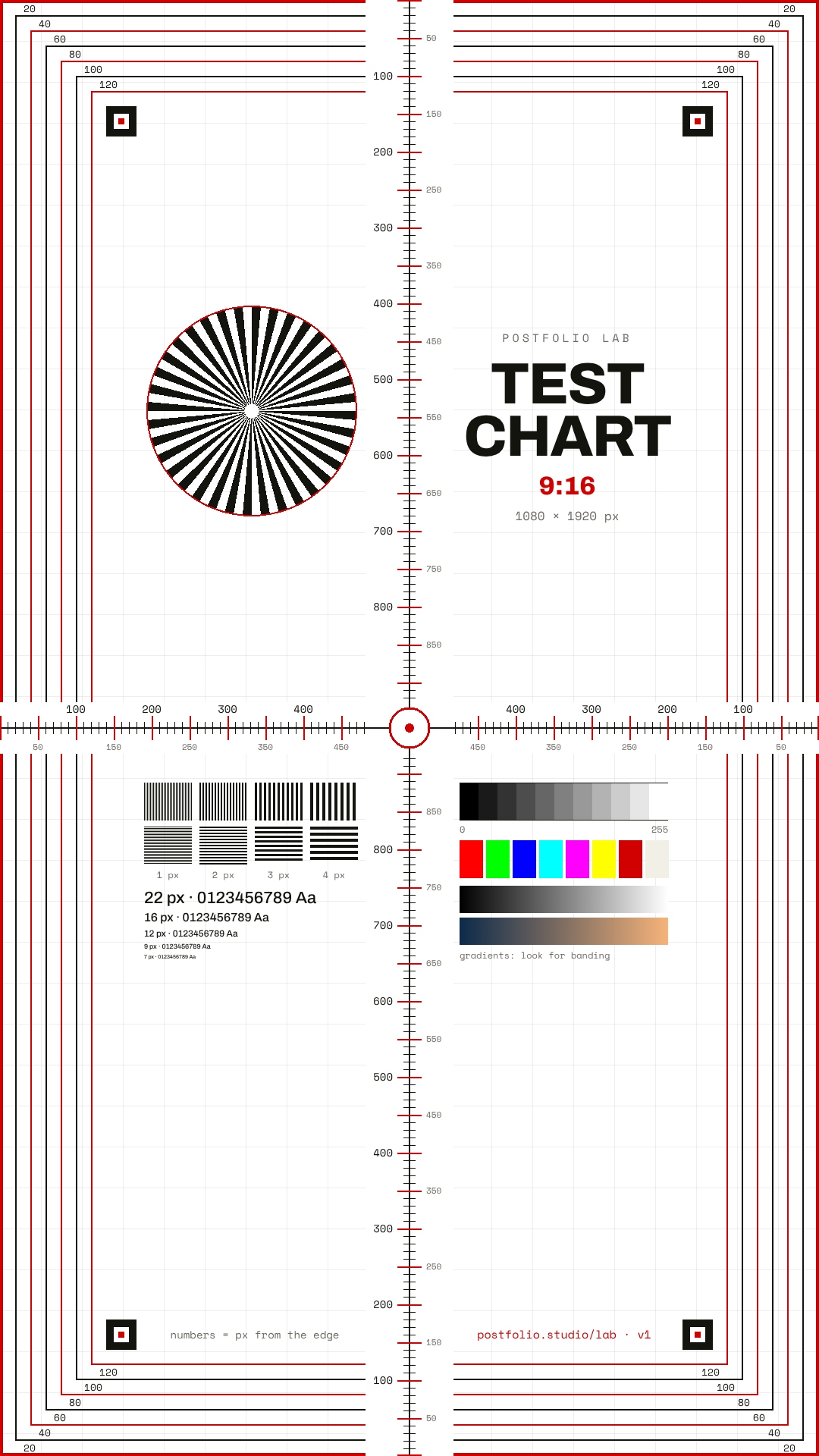
Six PNG files, exact to the pixel. Frames every 20 px, rulers that count the pixels from the edge, a resolution star, line pairs, grey steps and colour fields. Free to use, post and share.
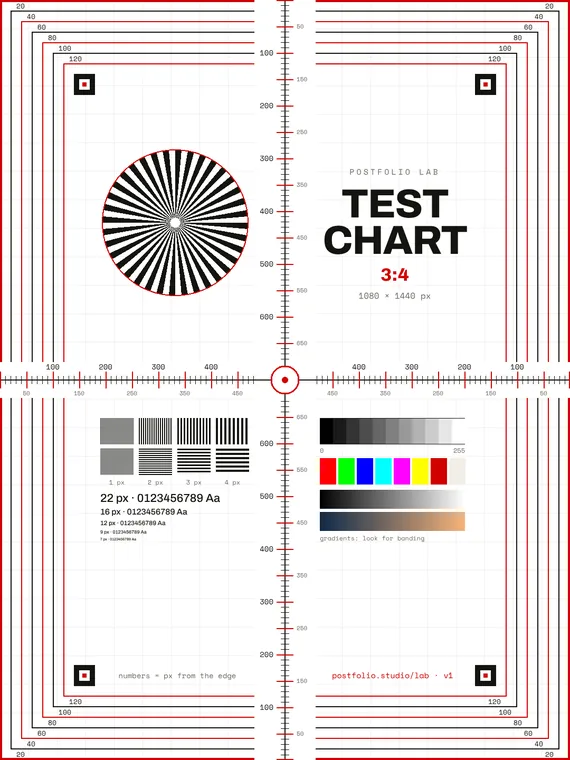 3:41080 × 1440 · PNG
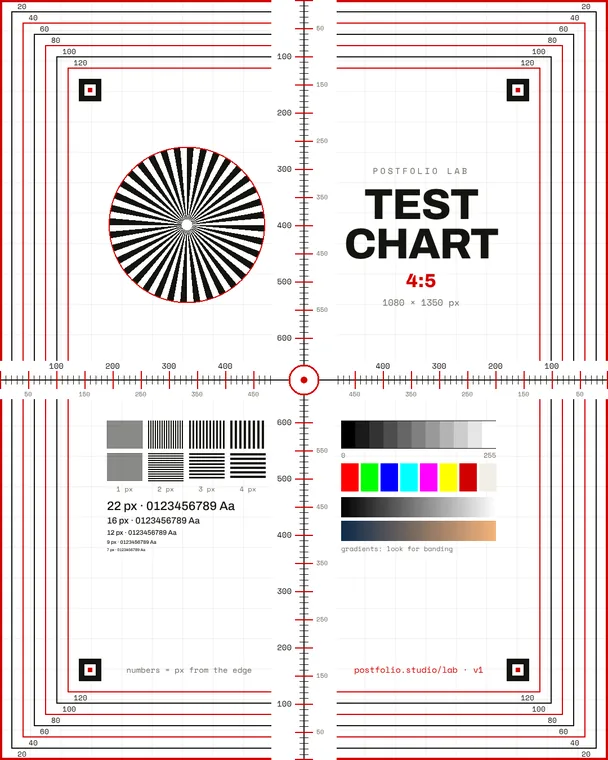 4:51080 × 1350 · PNG
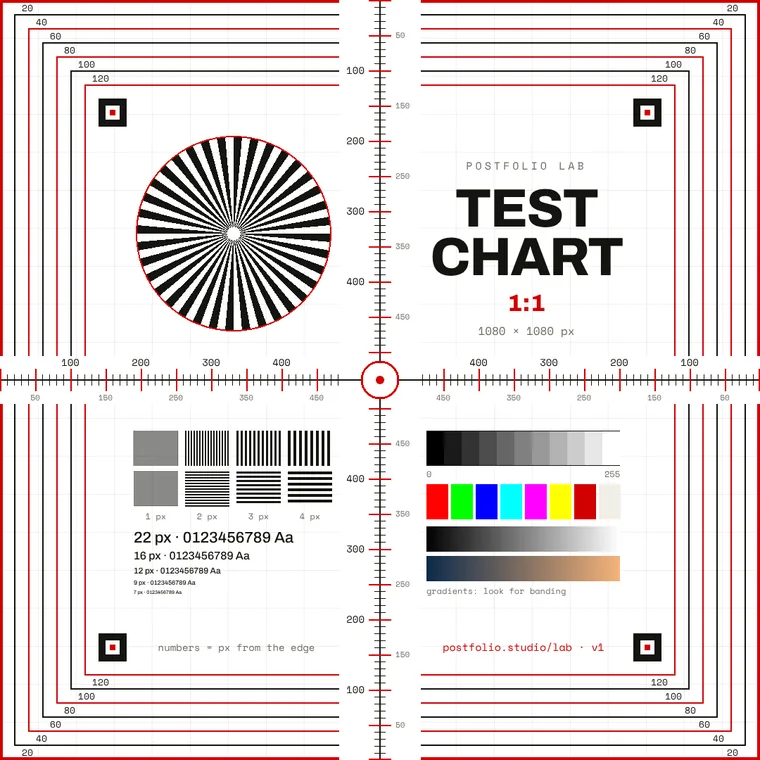 1:11080 × 1080 · PNG
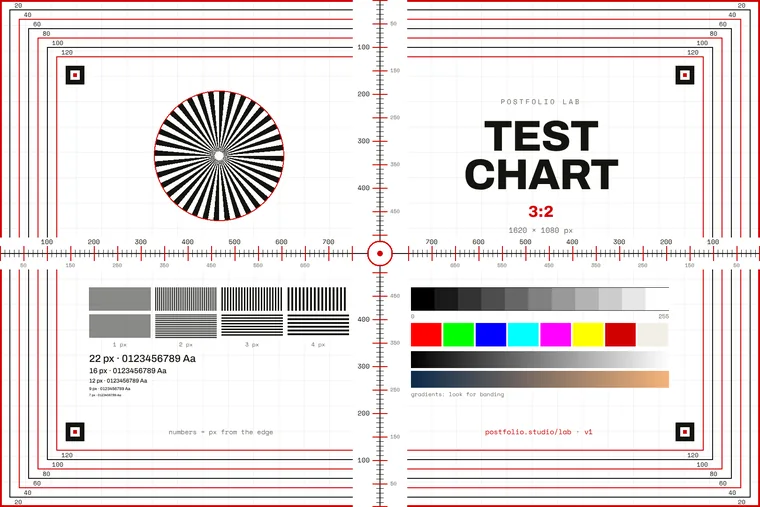 3:21620 × 1080 · PNG
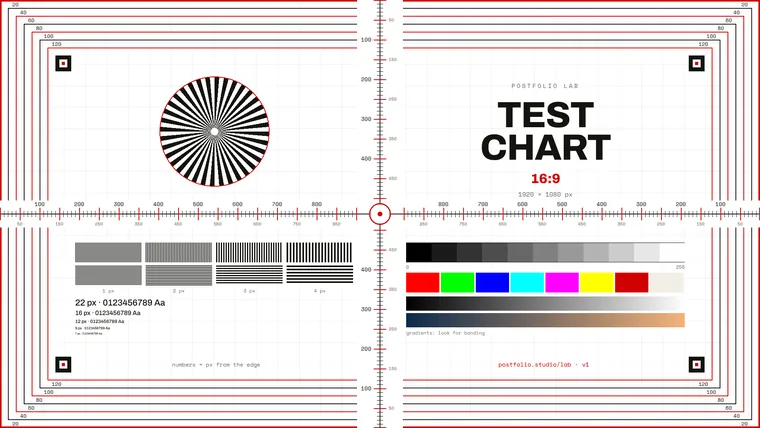 16:91920 × 1080 · PNG
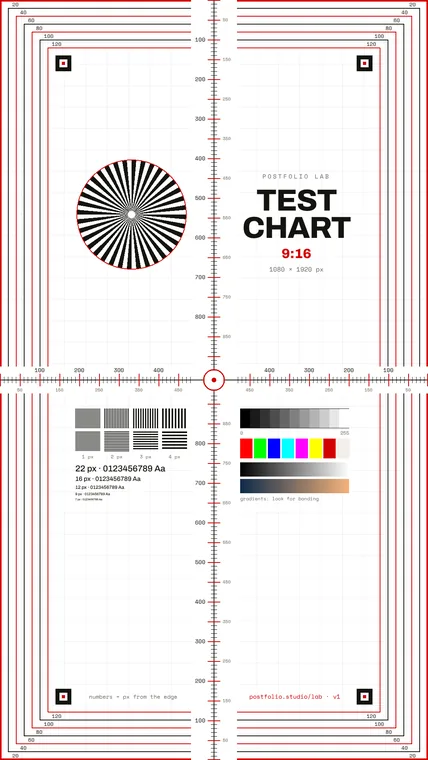 9:161080 × 1920 · PNG
Measure it yourself
- Download the chartsSave the PNG files to your phone. Do not send them through a messenger, it shrinks them.
- Post without changesPost a chart as it is: no filter, no crop, no edits. A private or a second account works well.
- Take screenshotsTake one screenshot of the post, one of your profile grid and one of the story.
- Read the rulersThe numbers on the rulers count the pixels from the edge. The first number you can still see tells you how much is missing.
- Tell usSend us your numbers with your phone model and app version. We add them to the Lab with your name, if you like.
Ask the Lab
Questions from people who love photos. There are two kinds of answers: Measured, when we can test it, and From practice, when a working photographer answers from experience. One new answer every week.
This opens your mail app. No account. We check every question before it appears here.
Can I mix portrait and landscape in one carousel?
Yes. In our test 3:4, 4:5, 1:1, 3:2 and 16:9 were all shown without cropping. The first slide sets the height, lower slides get bars.
On the bench next
- Which export width stays sharpest: 1080, 1440 or 2160 px?
- How much does a story hide for your followers?
- Does Android show the same crops as the iPhone?
- Do the bars look different in light mode?
- What happens to a 5:4 photo in the grid?
Answers from practice start with photographer Silvan Rapp, who builds Postfolio. Guest photographers follow.
Method, and what we have not measured
Every chart is a PNG with known pixel positions. We post it from the phone without edits, take screenshots and measure them with a script that finds the four square marks in the corners of the chart. From their positions we calculate the scale and the missing pixels.
- One device so far. Results can differ on other phones and app versions.
- Sharpness and compression: not evaluated yet.
- Colour: not evaluated yet. Screenshots are not reliable enough for it.
- Story: owner's view only.
- Postfolio Lab is not connected to Instagram or Meta.
Questions, answered straight.
Does Instagram crop a carousel with portrait and landscape photos?
No. In our test on 16 November 2026 a carousel with 3:4, 3:2, 16:9, 4:5 and 1:1 showed every slide in full. The first slide sets the frame height; lower slides get bars above and below.
How much does the Instagram profile grid crop a 4:5 post?
39 px on each side of a 1080 × 1350 px image in our test. 93 % of the width stays visible. A 3:4 post (1080 × 1440) loses only 1 to 5 px.
How much of a square post is visible in the grid?
75 % of the width. The grid tile is 3:4, so a 1080 × 1080 px post loses 136 px on each side.
What is the safe zone for an Instagram story?
In the owner's view Instagram covered the top 145 px with controls and darkened the top 290 px and the bottom 346 px of a 1080 × 1920 px image. Keep text and faces between those zones. The followers' view is not measured yet.
Which device did you test on?
An iPhone 15 Pro with iOS 27.2.1 and Instagram 454.1.0.41.71 in dark mode, on 16 November 2026.
Can I use the test charts?
Yes. They are free to download, post and share. A link to postfolio.studio/lab is welcome.
Try it on your own photos.
Build and preview for free — no login, no watermark. Your photos never leave your device.
iOS and Android: free download, full editor. Pro is a one-time purchase of €4.99 — never a subscription.