How do I split one photo into a 3, 6 or 9 post Instagram grid?
Cut the photo into tiles of 1080 × 1350, three per row, keep the important parts inside the 3:4 area Instagram shows on the profile, and post the tiles backwards — bottom-right first, top-left last. Postfolio does the split, marks the crop and exports the files already numbered in posting order.
A grid split — also called a puzzle feed, split grid or giant square — turns your Instagram profile into one big picture. Three posts make a row like a panorama, six make two rows, nine a full 3 × 3 block. It is one of the strongest ways to open a new series, announce something or simply make a profile look designed.
Done by hand it is fiddly: you need the right tile size, the cuts must be exact, and Instagram's profile crop changed in 2025 from square to 3:4, so older templates cut off the wrong parts. And the order is counter-intuitive, because the newest post lands top-left.
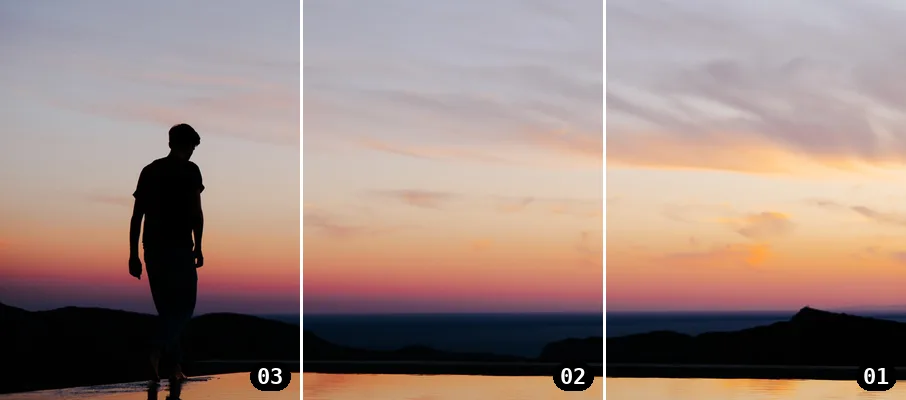
The four steps in Postfolio
- Pick a Profile template. In the free web app or the iOS / Android app open Templates → Profile. Choose Grid trio for one row, Grid six for two rows or Grid nine for a 3 × 3 block.
- Add one photo. Tap a tile and choose From device or Library. You only add the photo once — every row gets its slice automatically.
- Check it like your profile. Tap Profile grid. You see the tiles exactly as Instagram shows them, cropped to 3:4. Drag to move, pinch or use the slider to resize, Fit to show the whole photo.
- Export and post in order. Export gives you files named …-post-01, -post-02 and so on. Post 01 first, then the rest in order, and nothing else in between.
3, 6 or 9 posts?
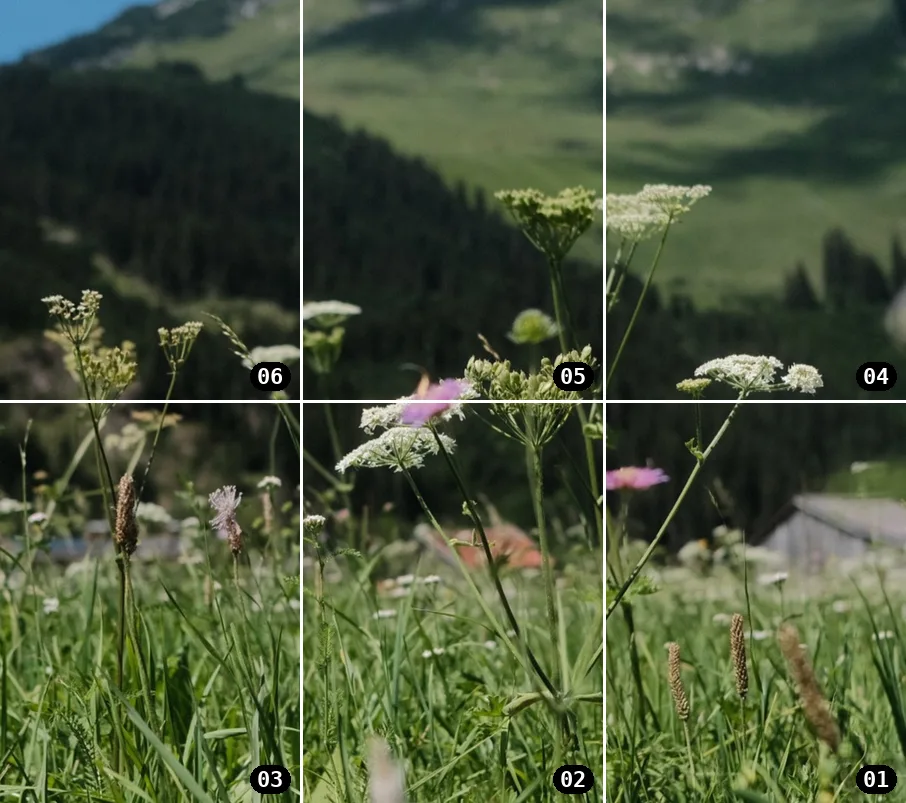
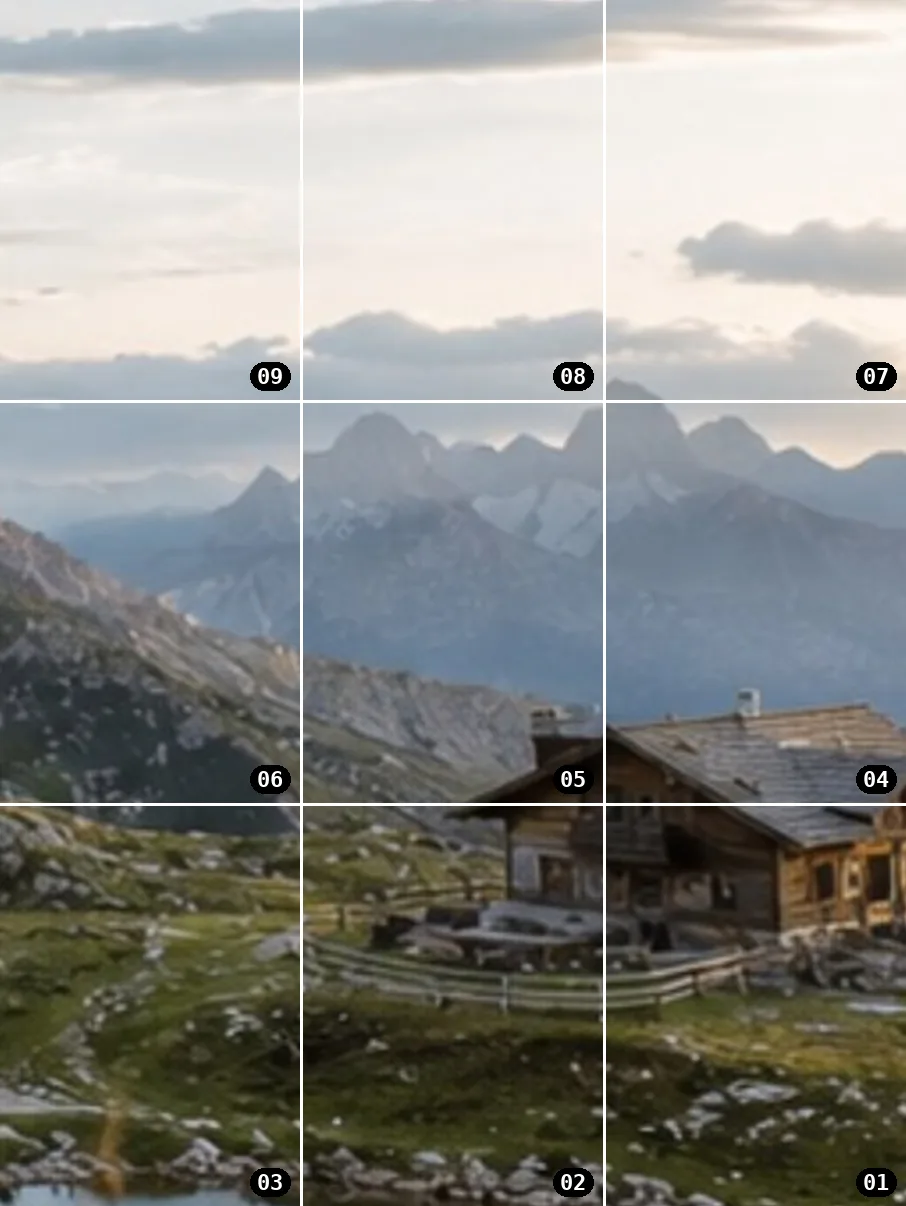
Three posts work with almost any landscape photo and are the easiest start: one row, read in a glance. Six posts suit a wide scene with sky and foreground. Nine posts need a portrait or square photo with a clear subject in the middle — and the patience to post nine times in a row.
Why does Instagram crop the tiles?
Feed posts are 4:5, but since 2025 the profile shows them as 3:4 tiles. That trims a strip from the left and right of every post. Postfolio's Profile templates show this zone as a guide in the editor and crop the preview the same way, so a face or a horizon never falls into the cut.
Grid split or panorama carousel?
A grid split is several separate posts that form one picture on your profile. A seamless panorama carousel is a single post whose slides unroll when swiped in the feed. They solve different problems — and in Postfolio both come from the same project.
Questions, answered straight.
What is an Instagram grid split or puzzle feed?
One photo cut into several posts that sit next to each other on your profile, so the grid shows one big picture. Three posts make one row, six make two rows, nine make a full 3 × 3 block.
What size should each grid tile be?
Post each tile at 1080 × 1350 (4:5). The profile then shows a 3:4 crop of every tile, which trims a little from the left and right — keep important details inside that zone.
In which order do I post the tiles?
Backwards. The newest post appears top-left, so the bottom-right tile goes up first. Postfolio names the files in posting order: post …-post-01 first, then 02, 03 and so on.
Can I still swipe through the tiles as a carousel?
Each tile is a single post, not a carousel slide. If you want one wide photo to unroll when swiped, use a seamless panorama carousel instead — Postfolio does both.
Is the grid split free in Postfolio?
You can build and preview Grid trio, six and nine for free in the web app and the iOS and Android apps. Exporting the Profile templates is part of Pro, a one-time purchase of €4.99 — never a subscription.
Try it on your own photos.
Build and preview for free — no login, no watermark. Your photos never leave your device.
iOS and Android: free download, full editor. Pro is a one-time purchase of €4.99 — never a subscription.